
Human experience is the destination,
AI sets the pace.
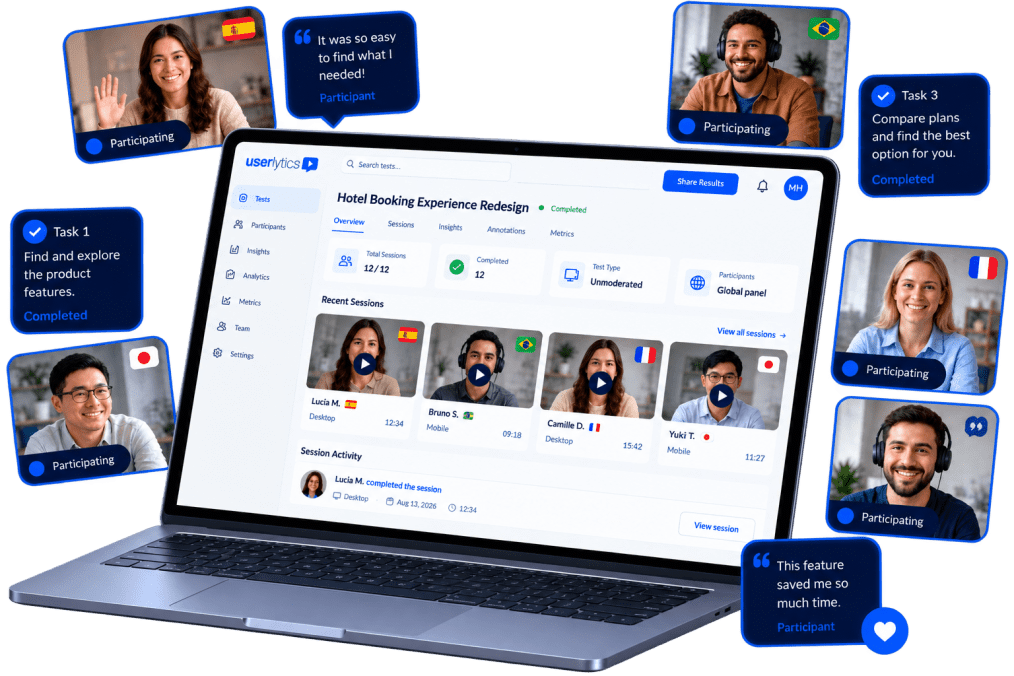
Userlytics combines real human user testing with AI-powered analysis.
Test digital products and AI interfaces with our global participant panel, backed by enterprise security and flexible pricing plans.
Trusted by Global Leaders


The fastest path to great user insights, all in one platform

Run studies in 150+ countries and 30+ languages. With access to over 2M+ participants, you can capture truly representative insights across markets, not just English-speaking audiences.
From quick design sanity checks to in-depth research & validation
From prototype to production to iteration, these features help you test every stage of your product.
What our Customers Have to Say

Exceptional Participants, Seamless Platform — Userlytics Delivers Meaningful Insights

“Userlytics turned out to be incredibly intuitive. The platform guides you through setup with clear, simple steps that make even first-time users feel confident and in control. But what has truly amazed me — and what sets Userlytics apart — is the caliber of participants.”
EM
Erica M.


Get smarter about user research through our curated Resources


Make User Feedback your Vantage Point
There’s no need to guess about user experience. Schedule a demo and see how easy it is to get meaningful feedback from real users. Your first insights are hours away.
